AI audio creation
AI Music Generator
Create custom instrumental and background music from a text prompt for videos, podcasts, ads, radio, DJ intros, and more.
1
Describe2
Generate3
DownloadDescribe your track
Describe the sound you need, then shape it with style, mood, and length.
Describe the sound, energy, instruments, and intended use.82
Your music will be saved to My Projects when generation is complete.
Listen before you generate
AI Music Examples
Hear short music beds for DJ intros, podcasts, commercials, and radio promos.
DJ Intro
Electronic groove · Energetic · 30 sec
Energetic electronic intro with a strong bass groove for a DJ show.
Podcast Background
Lo-fi ambient · Relaxed · 60 sec
Warm minimal lo-fi background music for a conversational podcast.
Commercial Music
Upbeat pop · Bright · 30 sec
Bright upbeat music for a short local business commercial.
Radio Promo
Electronic · Punchy · 30 sec
A punchy radio promo bed with drums, bass, and a confident modern feel.
How it works
From an idea to a finished track
Create a useful music bed in three simple steps, then keep building with the rest of your audio tools.
01
Describe your sound
Write a prompt with the energy, instruments, style, and project you have in mind.
02
Set the direction
Choose a music type, style, mood, and duration to guide the generation.
03
Download and create
Preview your track, download the MP3, or continue with another audio workflow.
Want a complete song with lyrics and vocals? Try AI Song Generator
Create music for every project
Background music that fits the moment
DJ & Radio
Create intro beds, promo music, transitions, and background tracks that work alongside DJ drops, station voices, and radio production.
Podcasts
Generate podcast intro and outro music, or subtle background tracks that sit underneath spoken content without overpowering the voice.
Ads
Create short music beds for commercials, product promos, branded audio, and voice-led advertising.
Videos
Generate background music for YouTube videos, product demos, social clips, explainers, and other creator content.
Take your music further
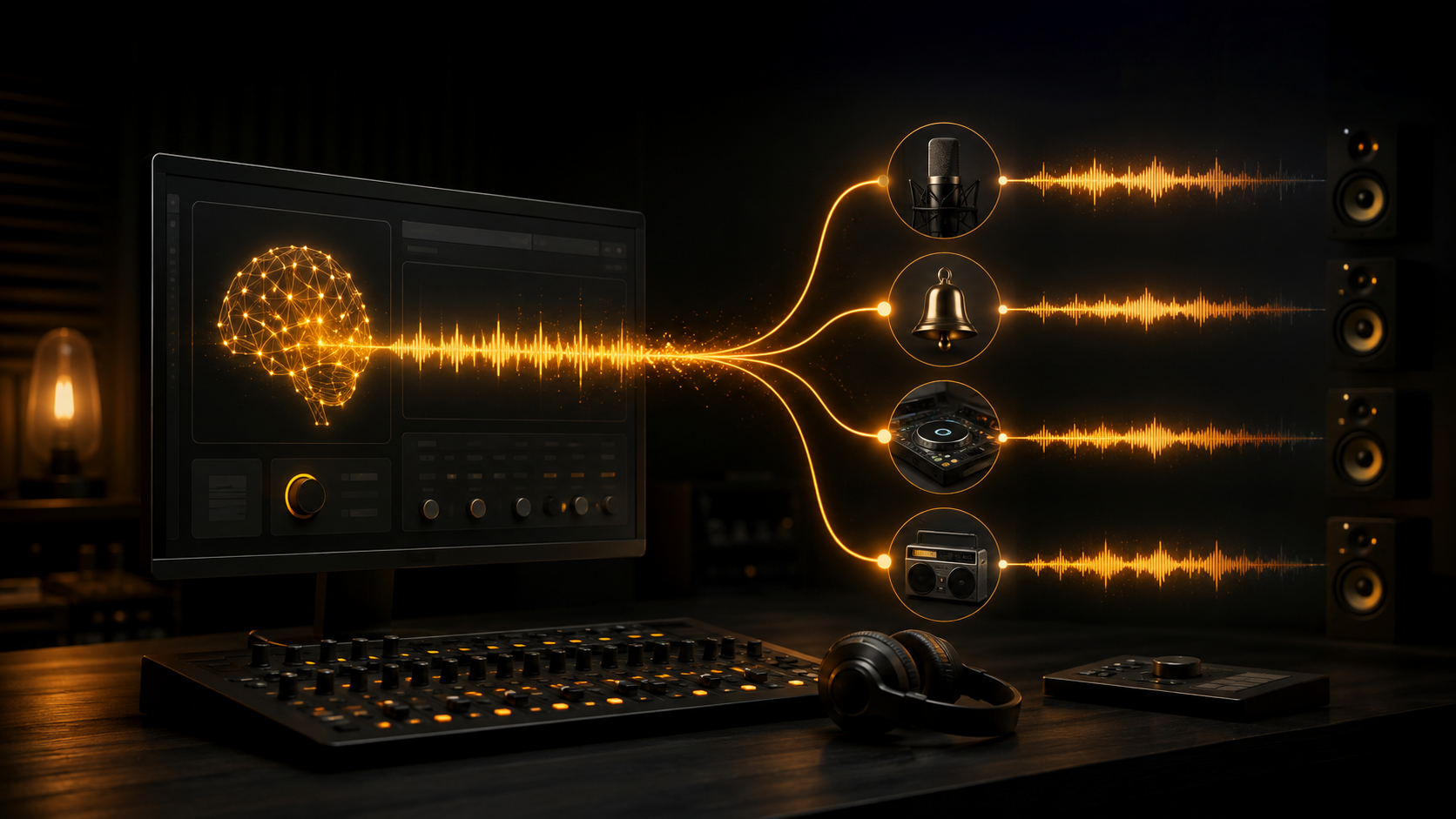
Turn a music bed into a complete audio project with the tools already on AI Jingle Maker.
FAQ
AI Music Generator FAQ
What is an AI music generator?
An AI music generator creates original instrumental music from a written description, style, mood, and intended use.
Can I create music from text?
Yes. Describe the genre, mood, instruments, energy, and intended use, and the AI Music Generator turns your text prompt into a new instrumental track.
Can I generate instrumental and background music?
Yes. Choose Instrumental, Background Music, or Podcast Background and describe the pace, instruments, and mood you need.
Can I use generated music commercially?
Commercial use depends on your plan and the provider terms that apply to the generated track.
What styles of music can I create?
You can request styles such as EDM, pop, hip hop, cinematic, lo-fi, rock, corporate, ambient, jazz, and electronic.
How long does AI music generation take?
Music generation is asynchronous and usually takes longer than a text-to-speech request. The page shows progress while your track is being prepared.