Audio Converter
Convert MP3, WAV, M4A, OGG, and common audio formats for radio, podcast, DJ, and business use.
No generation creditsFast browser editsDownload ready
ToolUpload - Settings - Export
Convert
Add audio, choose one edit, then export the finished version for your jingle workflow.
Exporting uses your daily audio edit limit.
No generation credits used
Exporting counts as 1 audio edit.
1
Add your audio
Upload a file or open this tool from My Projects.
2
Preview
Check the source and processed result before downloading.
Upload audio or open this tool from a generated jingle, DJ drop, sung hook, or radio ad.
3
Settings and export
Upload audio first to unlock this step.
Output format
Quality
Exporting counts as 1 audio edit.
What this tool fixes
Convert generated audio to the format you need
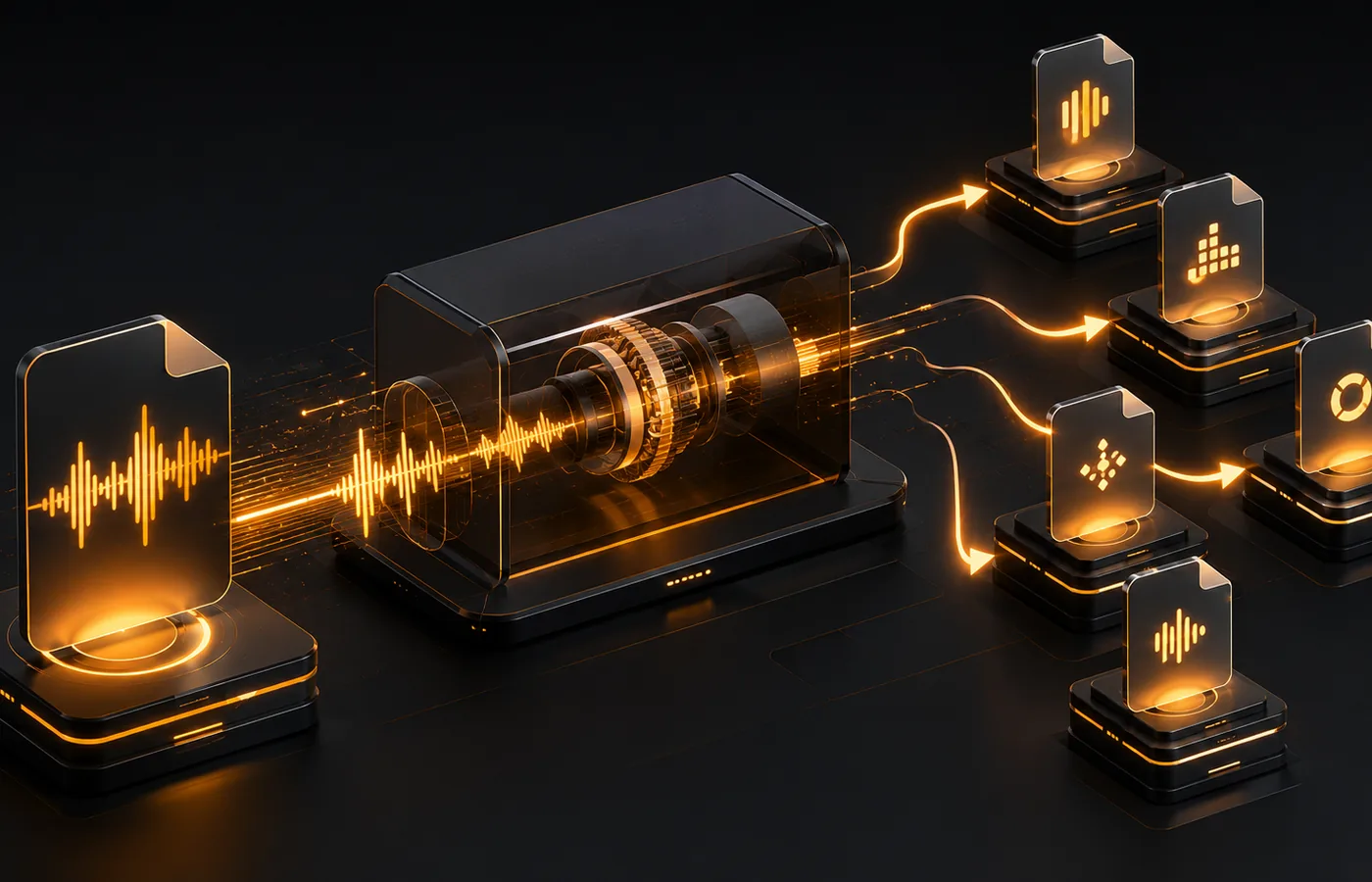
Use the Audio Converter to export generated jingles, DJ drops, radio ads, and short branded audio as MP3, WAV, M4A, or OGG for radio, podcast, web, or DJ software.
Best for
Real fixes after generation
Convert a jingle to MP3
Convert a DJ drop to WAV
Prepare a radio ad for upload
Export a sung hook for editing or sharing
How it works
Upload, adjust, export
1Upload or load generated audio
2Choose the output format
3Preview, export, and download
Tips
Better results
Use MP3 for small web-ready files.
Use WAV when a station or editor asks for it.
Finish trimming, fading, and normalizing before the final conversion.
Audio workflow
No audio yet? Create one first.
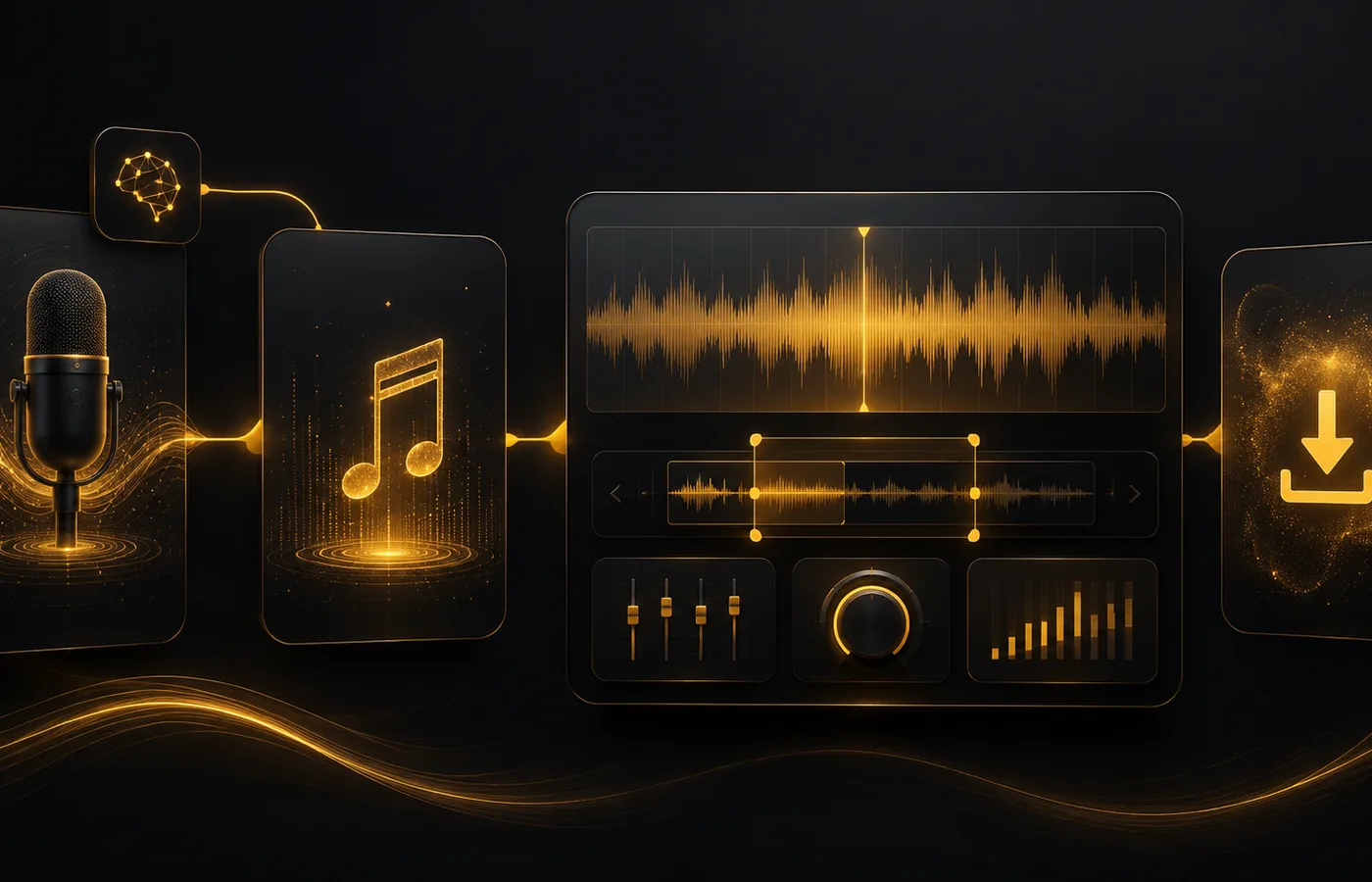
Start with a generated jingle, DJ drop, sung hook, or radio ad, then come back here to polish the final audio.
AI Jingle Maker
Start with the main guided jingle workflow.
Open
DJ Drops
Create DJ name drops, intro tags, and voice tags.
Open
Sung Jingle Generator
Create vocal jingles with lyrics, melody, and sung hooks.
Open
Radio Ad Generator
Create short radio commercials with offer and CTA structure.
Open
Radio Jingle Generator
Create spoken jingles, station IDs, and voiceover-style liners.
Open
FAQ
Quick answers
Does the converter use AI generation credits?
No. This tool does not use generation credits. Exporting may count toward your audio edit limit.
Should I choose MP3 or WAV?
MP3 is smaller and easy to share. WAV is larger and better for editing or broadcast workflows.
Can I convert generated AI jingles?
Yes. You can upload a file or open eligible generated projects from My Projects.
When should I convert the file?
Convert at the end, after your trim, fade, and volume edits are done.