Natural text-to-speech
AI Voice Generator
Turn text into natural AI speech for voiceovers, ads, podcasts, radio, and more.
Choose a voice and language, generate your audio, then download an MP3.
1Text
2Voice
3Done
Create your AI voice
Write your message, choose a voice, then generate an MP3.
Sign in to use your credits0/300
Delivery styleHow the voice sounds
Choose Voice
Select a voice
Generating a voice uses 2 credits. Downloading and saving do not use extra credits.
Listen first
AI voice examples
Explore a few voice directions before you write your own script.
One voice, different jobs
Create AI voiceovers for ads, podcasts, radio, and more.
Voiceovers
Clear narration for videos, demos, and presentations.
Ads
Short spoken lines for offers, launches, and local promos.
Podcasts
Openers, sponsor reads, and episode narration.
Radio
Station IDs, show promos, and short radio voice lines.
DJ intros
Name drops and short voice tags with a direct route to DJ Drops.
Social video
A fast spoken hook for short clips and posts.
Keep creating
Turn your AI voice into finished audio.
Generate a voice here, then continue with music, effects, or a structured commercial when your project needs more.
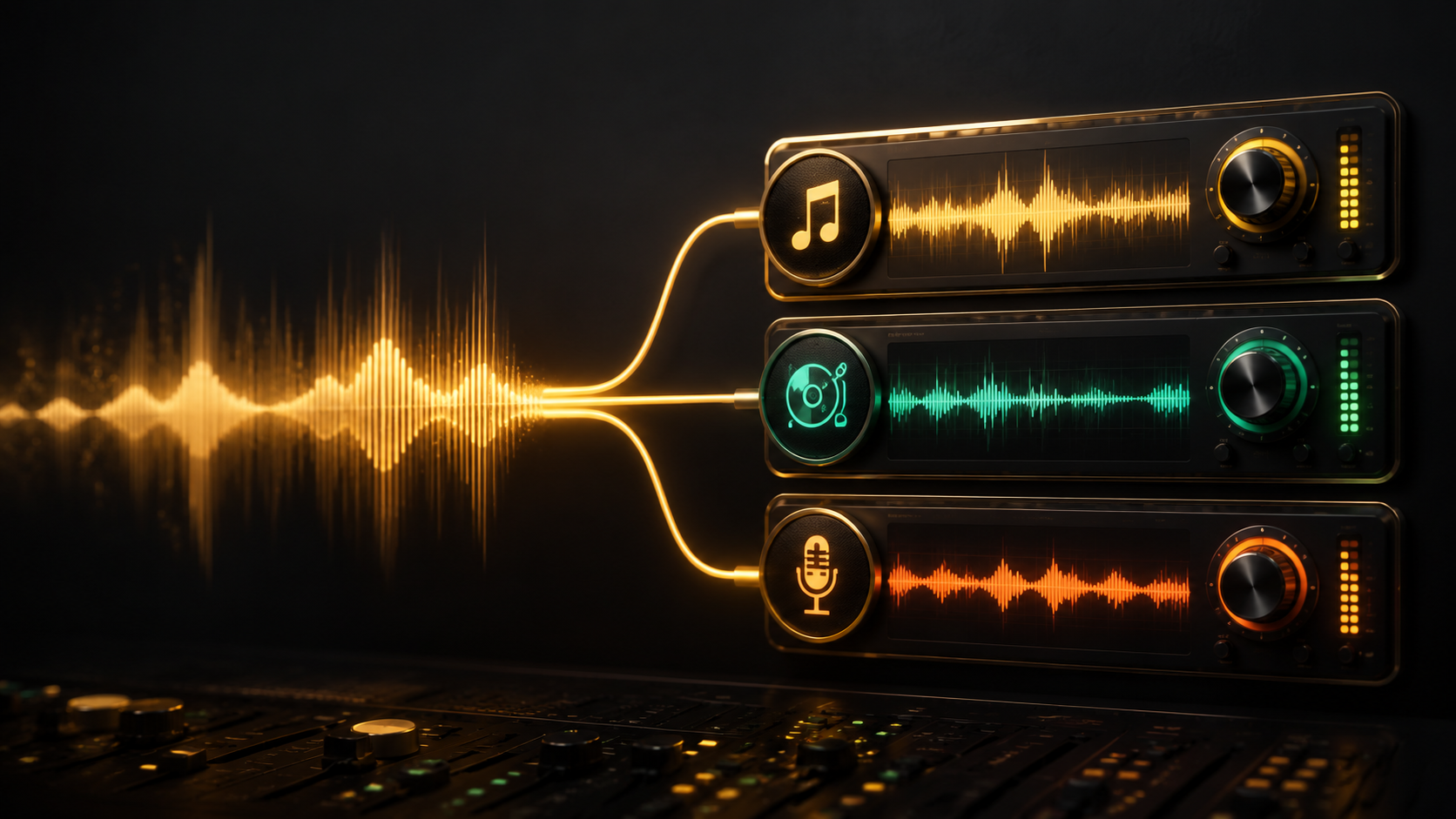
How it works
From text to voice in three steps.
- 01
Write your text
Add the exact words you want the voice to say.
- 02
Choose voice and language
Listen to styles, then select the language for your script.
- 03
Generate and download
Preview the MP3, save it to your projects, or download it.
FAQ
AI voice generator questions
What is an AI voice generator?
An AI voice generator is a text-to-speech tool that turns written text into natural-sounding spoken audio.
Can I turn text into AI speech?
Yes. Add your script, choose a voice and language, then generate an MP3.
What languages are supported?
Choose from the languages shown in the generator. Availability can vary by voice and script.
Can I download the voice as MP3?
Yes. When your voice is ready, you can download the generated MP3.
Can I use AI voices commercially?
Commercial use depends on your plan and the site terms. Review the commercial usage guide before publishing.
How is this different from AI Jingle Maker?
This page creates a voice-only MP3. AI Jingle Maker adds music and builds a finished jingle.