Text to sound effects
AI Sound Effect Generator
Describe the sound you need and generate custom sound effects for videos, games, DJ sets, radio, podcasts, ads, and more.
Sound Studio
Describe the source, texture, intensity, environment, and timing.
More detail helps shape the texture and setting.90/1000
Quick prompts
AI Sound Effect Examples
Explore sounds you can create
Listen to generated effects, explore different styles, and reuse a prompt to create your own version.
01
DJ Air Horn
Club - Punchy - 3 sec
A loud DJ air horn with a short energetic club reverb.
02
Cinematic Impact
Trailer - Deep - 5 sec
A powerful cinematic bass impact with metallic texture and a short reverb tail.
03
Radio Sweep
Radio - Fast - 3 sec
A fast futuristic radio sweep rising into a clean impact.
04
Crowd Cheer
Crowd - Energetic - 5 sec
A large indoor crowd cheering loudly after an exciting announcement.
05
Futuristic UI
Technology - Clean - 3 sec
A clean futuristic interface notification with a soft digital shimmer.
06
Rain Ambience
Nature - Loopable - 15 sec
Gentle rain falling on a car roof at night with a calm enclosed ambience.
How it works
Create a sound effect in three steps
01
Describe the sound
Describe what should happen, how it should feel, and the environment around it.
02
Choose the timing
Let AI choose the length or set a duration and enable seamless looping when needed.
03
Generate and download
Preview your sound effect, download the MP3, or save it to My Projects.
Sound effects for every kind of project
DJ & Radio
Create air horns, sweeps, impacts, risers, transitions, crowd sounds, and effects for DJ drops and radio imaging.
Video & Social
Generate footsteps, impacts, transitions, ambience, interface sounds, and scene-specific effects for video content.
Games
Create environmental ambience, UI sounds, footsteps, mechanical effects, and looping textures.
Podcasts & Ads
Add transitions, stingers, ambience, notification sounds, and short effects around spoken audio.
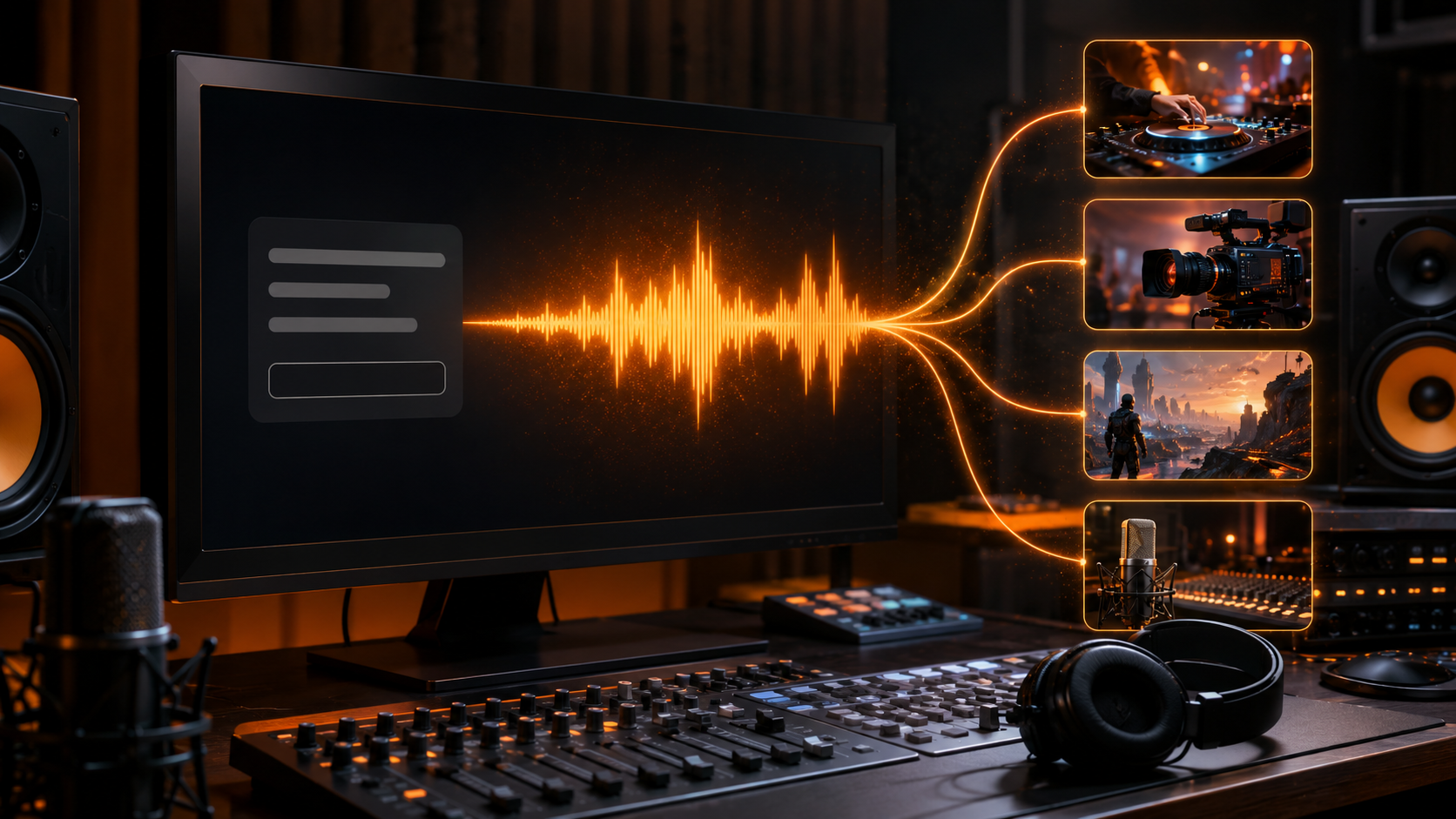
Build a complete audio project
Sound effects are one part of the mix. Combine them with AI-generated music, voices, jingles, DJ drops, and radio audio.
FAQ
AI Sound Effect Generator FAQ
What is an AI sound effect generator?
An AI sound effect generator turns a text description into custom audio such as impacts, ambience, transitions, interface sounds, Foley, and other effects.
Can I generate sound effects from text?
Yes. Describe the sound, environment, intensity, timing, and other details you want, then generate a custom effect from the prompt.
How long can AI sound effects be?
You can let the generator choose the length or select a duration from 3 to 30 seconds.
Can I create looping sound effects?
Yes. Enable seamless looping for ambience and repeating background sounds when needed.
What can I use AI sound effects for?
Create effects for videos, games, DJ sets, radio, podcasts, ads, social clips, and other creative projects.
Can I use generated sound effects commercially?
Commercial use is subject to your plan and the AI Jingle Maker Terms. Review the Terms before using generated audio in commercial projects.